Payroll
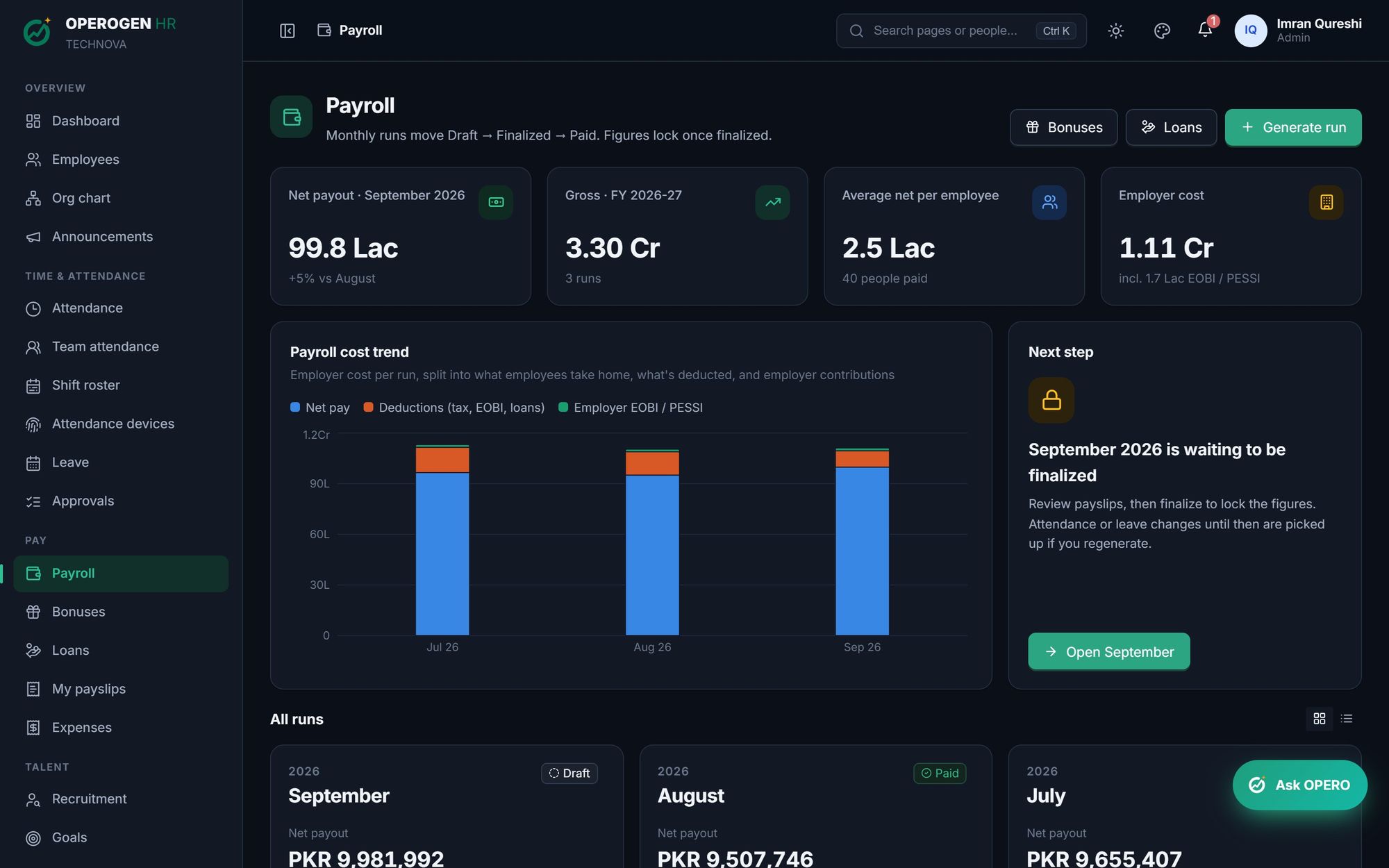
Payroll for Pakistan, done in an afternoon. Generate a month's payroll from attendance, leave, overtime, bonuses and loans. Income tax, EOBI, PESSI and provident fund are calculated for you. Review, finalize to lock the figures, then pay from a bank file.
Everything in Payroll.
Draft, finalize, paid
Regenerate a draft as often as you like. Finalizing locks the figures and the month.
Income tax by FBR slabs
Monthly tax from the current slabs, kept up to date by OPEROGEN after every budget.
EOBI, PESSI and PF
Employer and employee contributions, wage ceilings and provident fund shares, all set per company.
Attendance-driven
Unpaid leave, absences, late-rule cuts and approved overtime flow in automatically.
Joiners, leavers and increments
Partial months and mid-month salary changes are worked out day by day.
Bonuses and loans
One-off bonuses are picked up in their month; loan instalments are deducted until repaid.
Bank transfer file
Export a bank file from verified IBANs; people without an account are listed for cash or cheque.
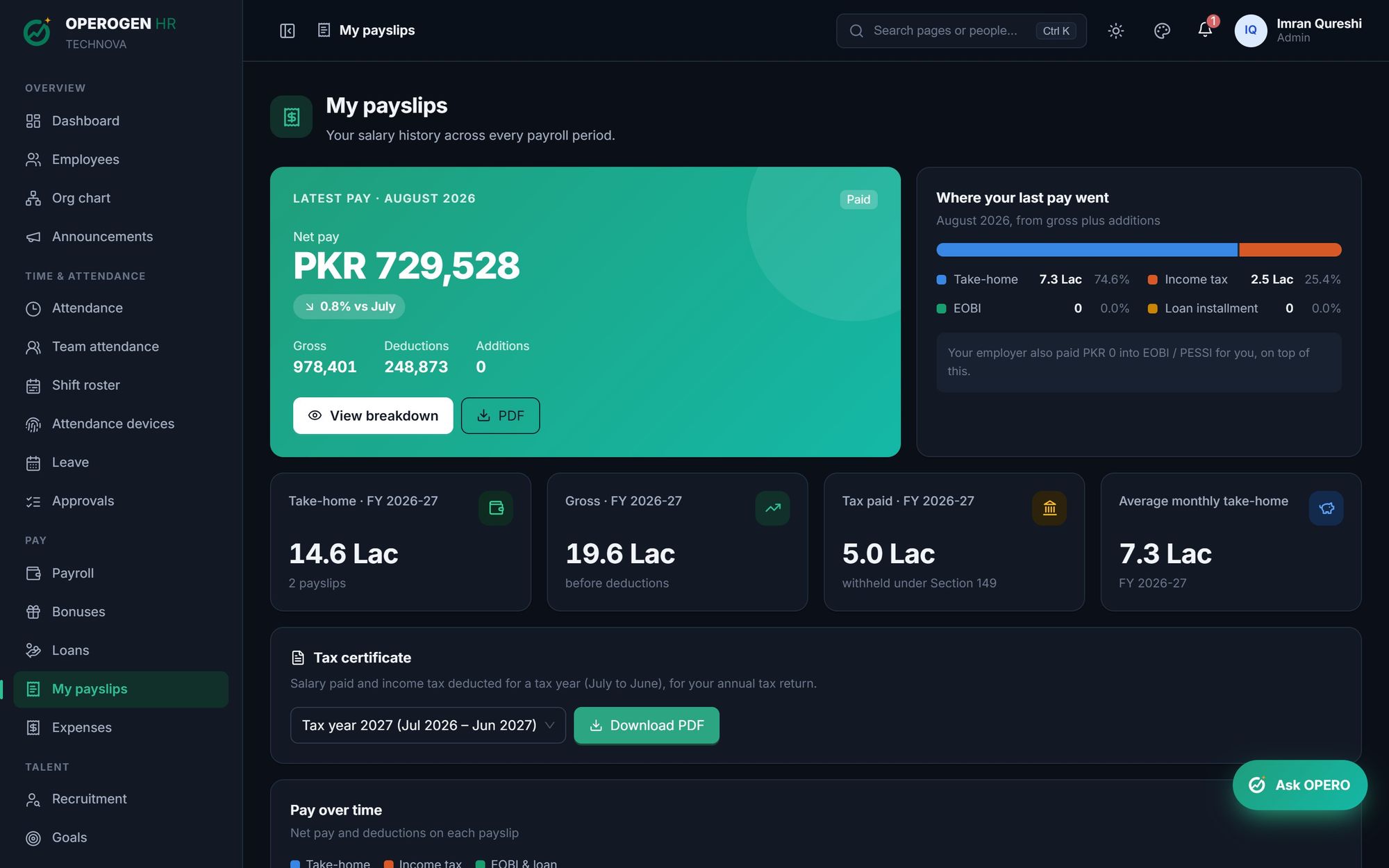
Payslips and tax certificate
Employees are emailed when their payslip is ready, download it as a PDF, and get a yearly tax certificate.
Built for the people who use it every day.
- Draft, finalize, paid
- Income tax by FBR slabs
- EOBI, PESSI and PF
- Attendance-driven
Three steps. That's it.
- 1
Generate the month's run.
- 2
Review payslips and the cost summary.
- 3
Finalize, export the bank file and mark it paid.
About Payroll.
How are absences deducted?
By default a day's pay is monthly salary divided by 30, the common practice in Pakistan.
Can we change a finalized month?
HR can reopen it if needed, and every change is recorded in the audit log.
See Payroll in action.
A 30-minute walkthrough of the modules you care about, with your questions answered by the people who built it.